Framework
Astro 5
Astro is the site framework. It handles routing, page composition, static generation, and the shared layout model used by every project explainer page.
A bilingual static site built with Astro that serves a double function: it documents the projects and explains their tech stacks through shared layouts, reusable data, and localized routes. It also represents a foundational step in the process of learning how to build with AI.
Originally a standalone site, now integrated into sugiro.ai.
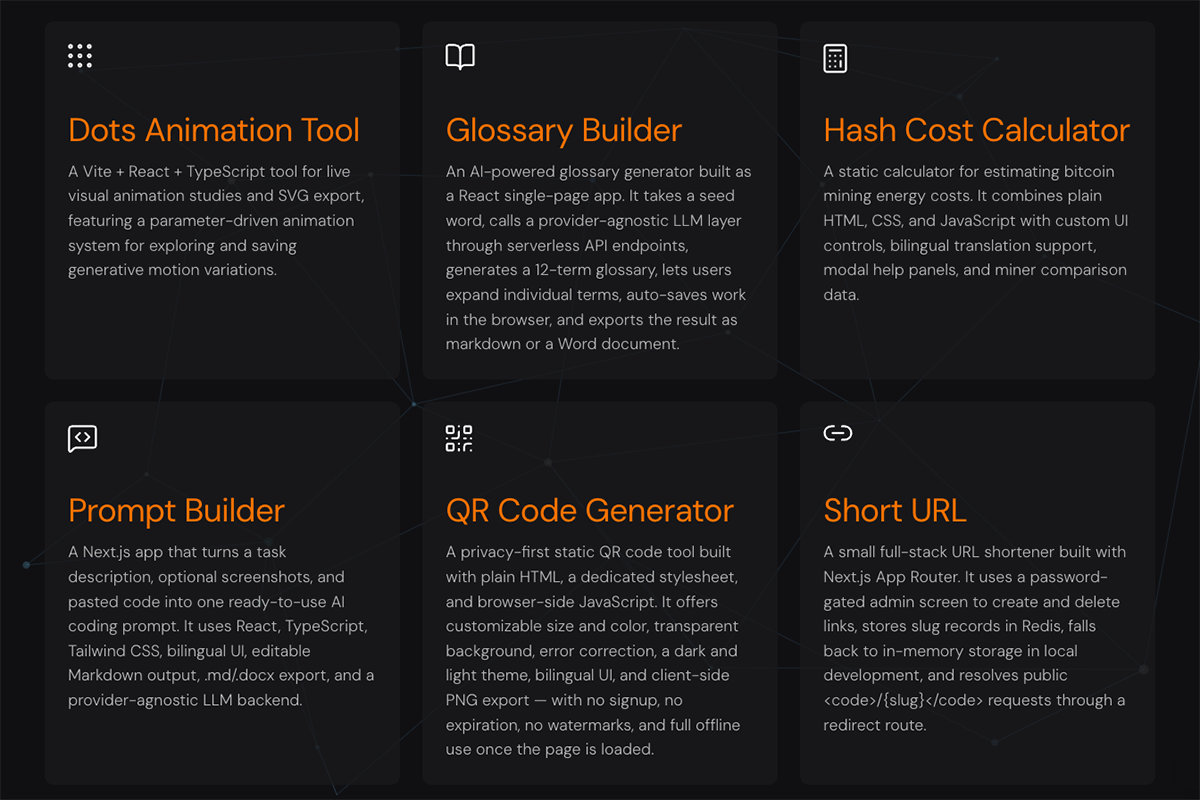
The core pieces that power this documentation site.
Astro is the site framework. It handles routing, page composition, static generation, and the shared layout model used by every project explainer page.
The site builds to static HTML files instead of requiring a server runtime. That makes deployment simple and keeps the project fast and lightweight.
Project titles, summaries, locale support, paths, and shared UI copy live together in src/data/ai-projects.ts. The home pages and detail pages both read from that source of truth.
The visual system is mostly centralized in src/styles/global.css. Shared layout tokens, card styles, hero styles, and responsive rules all live there.
The project ships localized pages for both languages. English is the default site, while Portuguese uses dedicated routes under src/pages/pt/ and a localized home route.
This repo is set up as a static Astro site that can be deployed on Vercel without custom backend logic. The runtime complexity stays in the build step rather than in production servers.
From source files to the final static pages.
Each project explainer is an Astro page under src/pages/, with Portuguese equivalents in src/pages/pt/.
The project list in src/data/ai-projects.ts feeds the home page cards, project menus, language switching, and hero content.
Layout.astro, AIProjectHero.astro, and the header/footer components keep the site structure consistent across all routes.
One global stylesheet handles the site’s typography, spacing, project cards, hero sections, tables, flow steps, and responsive layout behavior.
npm run build emits the final static pages with file-style routing, including pt.html for the Portuguese home page.
The repo is small, but its responsibilities are clearly split.
package.json
astro.config.mjs
src/data/projects.ts
src/layouts/BaseLayout.astro
src/components/
src/pages/
src/styles/global.css
The project is intentionally straightforward: content pages, shared metadata, reusable presentation components, and a static build step.
The local workflow follows the standard Astro static-site cycle.
npm install
npm run dev

npm run build
npm run preview
No database, background workers, or custom server processes are required for the documented local workflow.
Node.js and npm.
Astro dependencies from package.json.
Static assets available in public/.
No runtime database or server secrets for the core site.
Tech Stacks is a bilingual Astro static site built to document other projects with shared metadata, reusable components, localized routes, and a simple file-based deployment model.